Connect a subdomain
Publish a site on blog.example.com and keep example.com for another site. One CNAME record, SSL included.
A subdomain such as blog.example.com lets you publish a Supadrop site and keep example.com for another site. Custom domains are available on paid plans.
Connect your subdomain
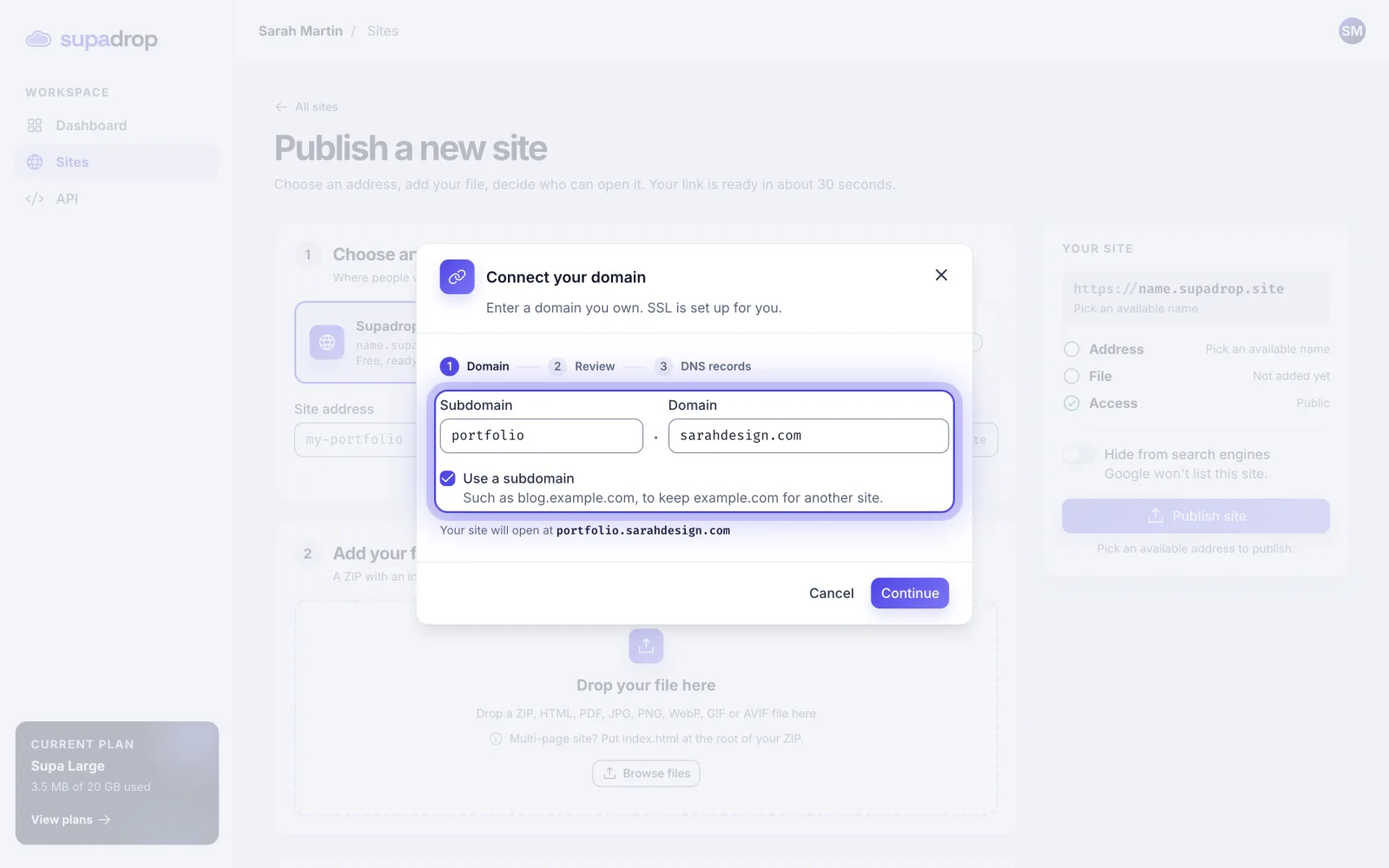
- In Sites, click New site, then pick Your own domain.
- Type your domain (
example.com), tick Use a subdomain, then type the subdomain (blog). - Click Continue. Check the address, then click I understand, continue.
- Add the CNAME record shown at your registrar. Click Check DNS, or Verify later if you add it later.
- Add your file and click Publish site.
Good to know
- You only add one CNAME record. The records of your main domain stay as they are.
- If the subdomain already has a record at your registrar, replace it with this one.
wwwcannot be used as a subdomain. To publish onwww.example.com, connectexample.cominstead: see Connect your own domain.
After you publish, your site shows Configuring while Supadrop checks your DNS, then DNS verified and HTTPS active in its Custom domain tab.