Hide a site from search engines
Turn on noindex to keep a site out of Google results while it stays reachable with its link.
Hide your site
- Open Sites and click your site.
- Open the Settings tab.
- Under Search engines, turn on Hide from search engines.
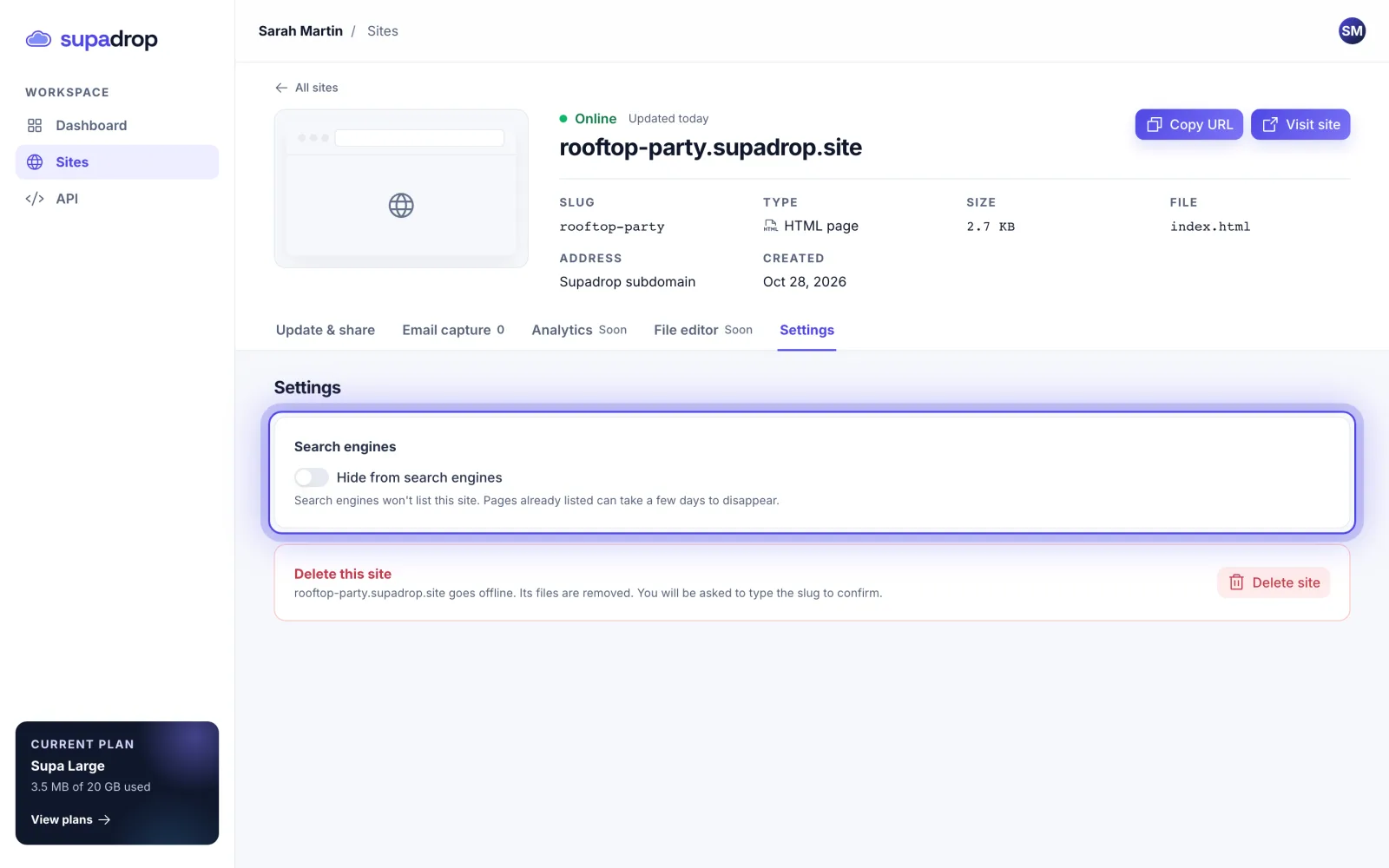
Your site now shows a Hidden from search badge. Turn the switch off to let search engines list it again.
You can also turn on Hide from search engines when you create a site, just before you publish.
What it does
Supadrop asks search engines not to list your site (a noindex header). The site stays online: anyone with the link or the QR code can still open it. It is not a password, so do not rely on it for private content.